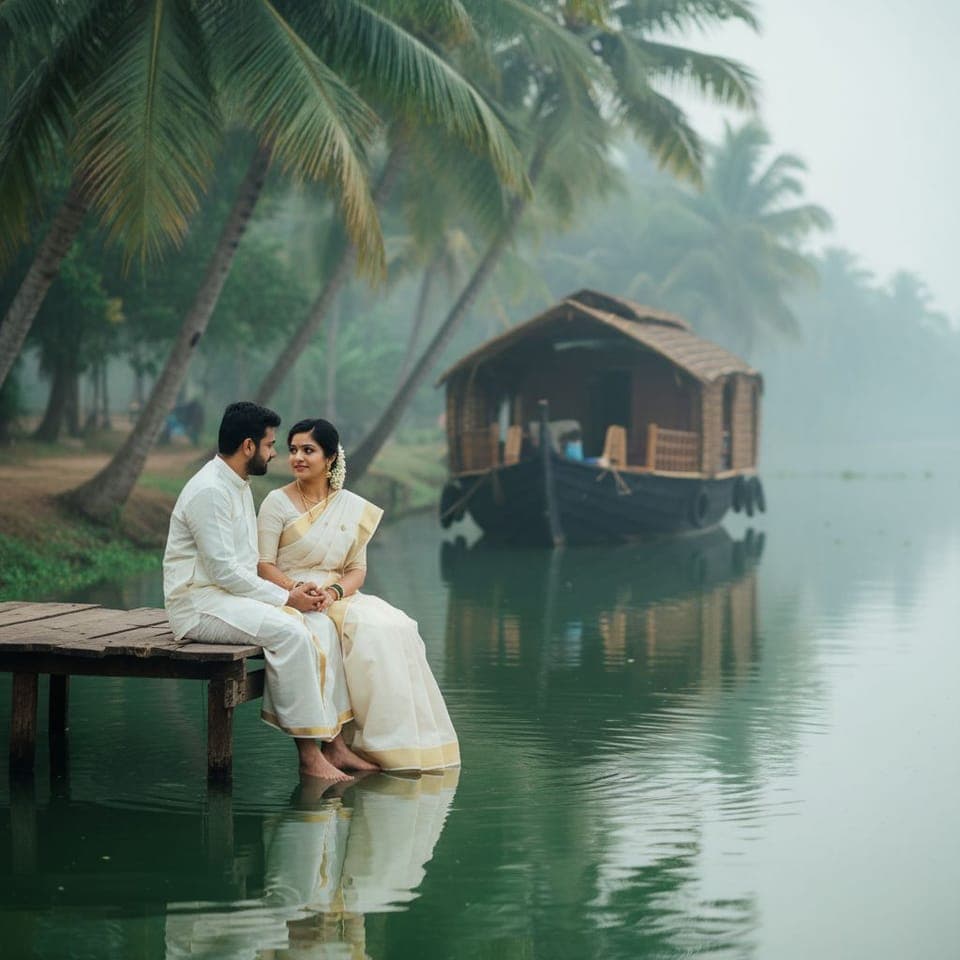

Your pre-wedding shoot, without the shoot.

Add a photo of each of you, choose the places, and get pre-wedding portraits of the two of you — in the outfits and the light each scene was made for.

For Android. Version 1.3.0.
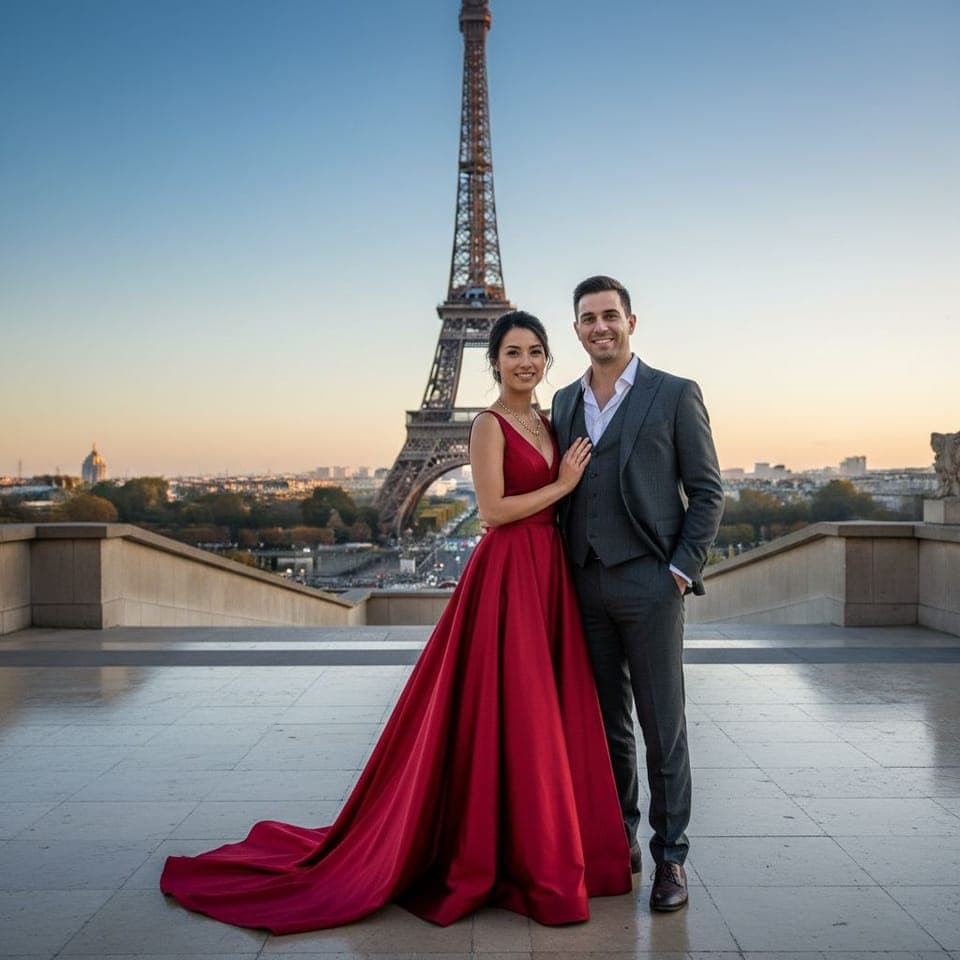
Every place you pictured the two of you

Each scene is styled for a pre-wedding shoot: the setting, the light, and an outfit for each of you. Every picture here was made in the app.

Close to home

Forts, havelis, dunes, hills and backwaters.
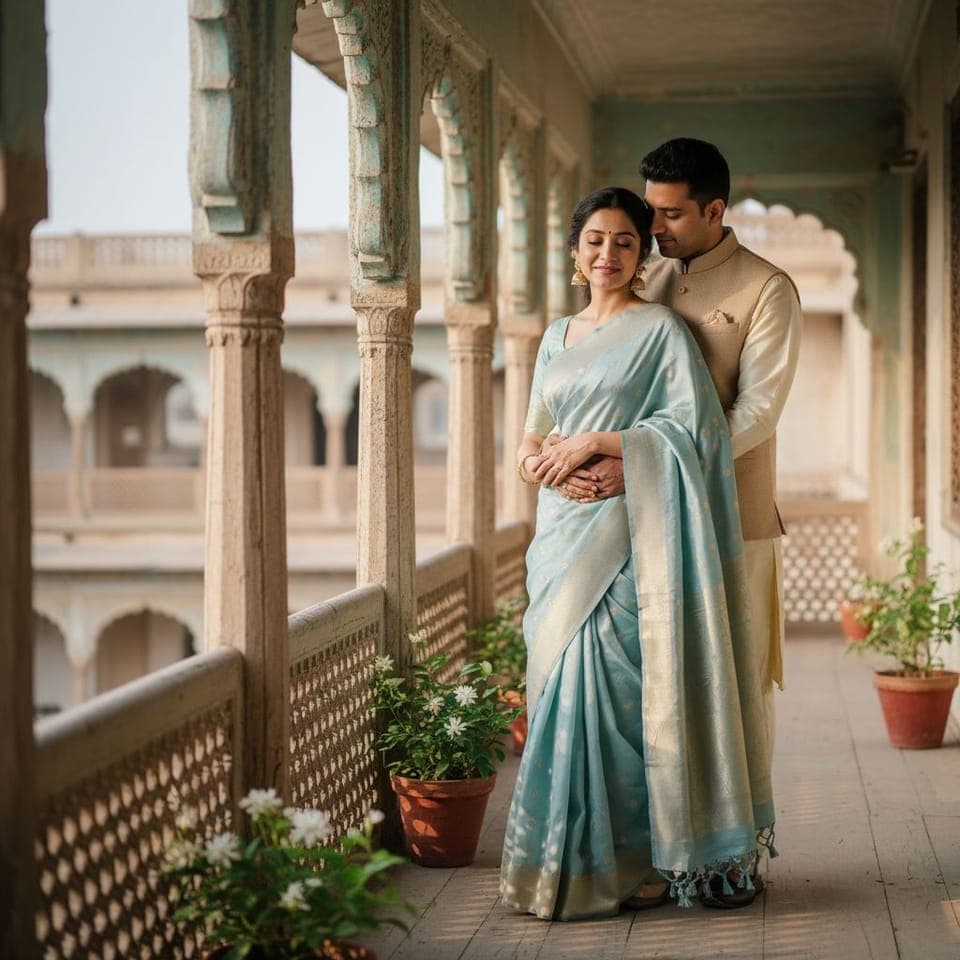
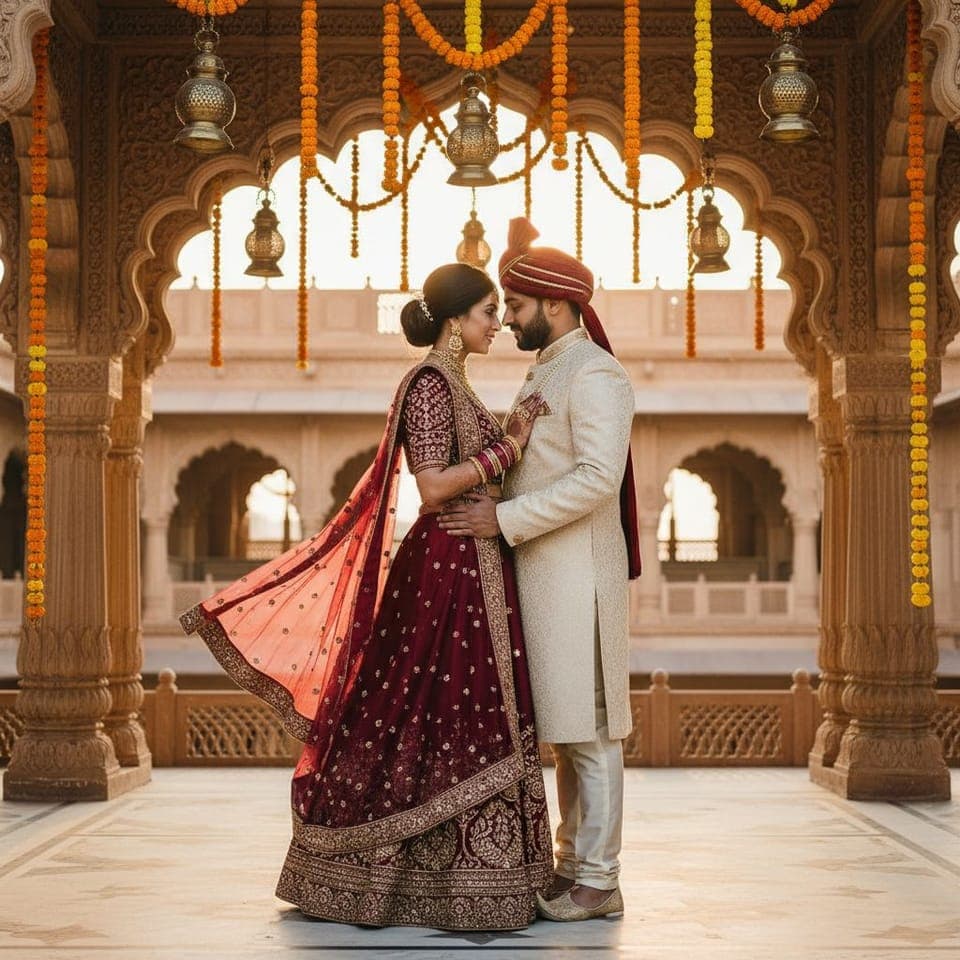
  • A couple's pre-wedding portrait: a haveli balcony
    A haveli balcony
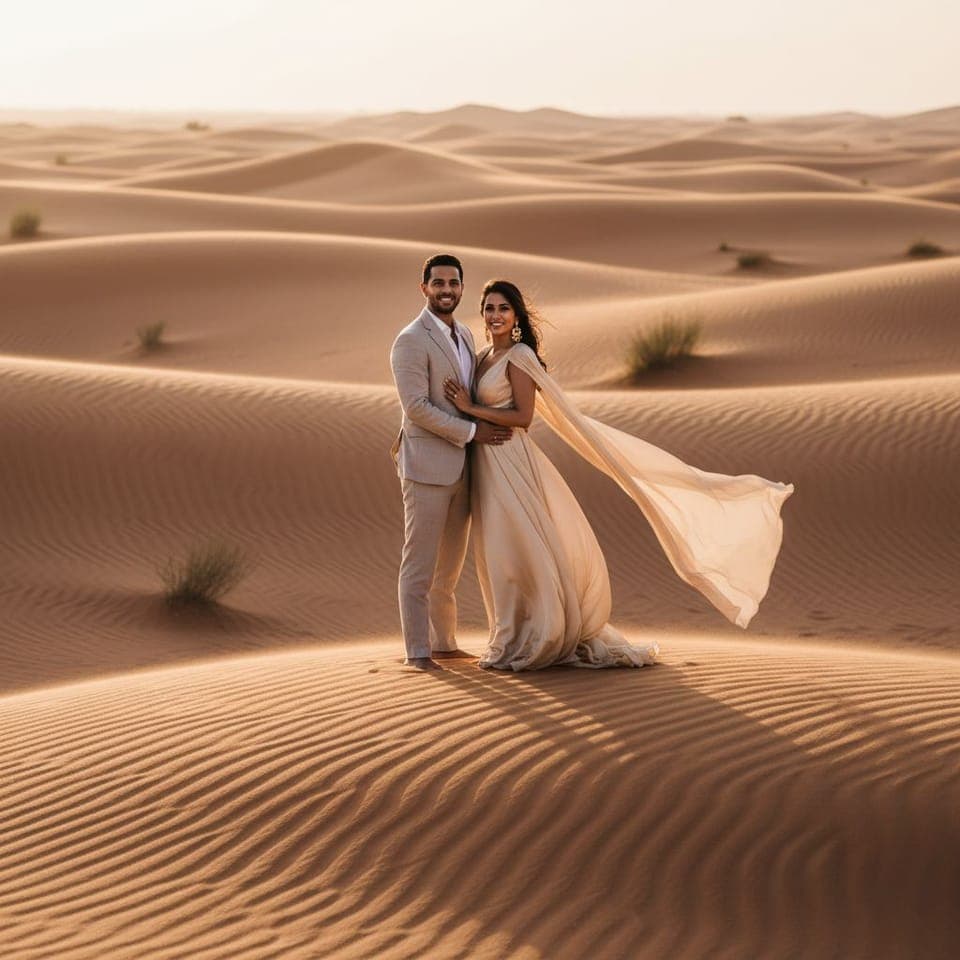
  • A couple's pre-wedding portrait: golden dunes at dusk
    Golden dunes at dusk
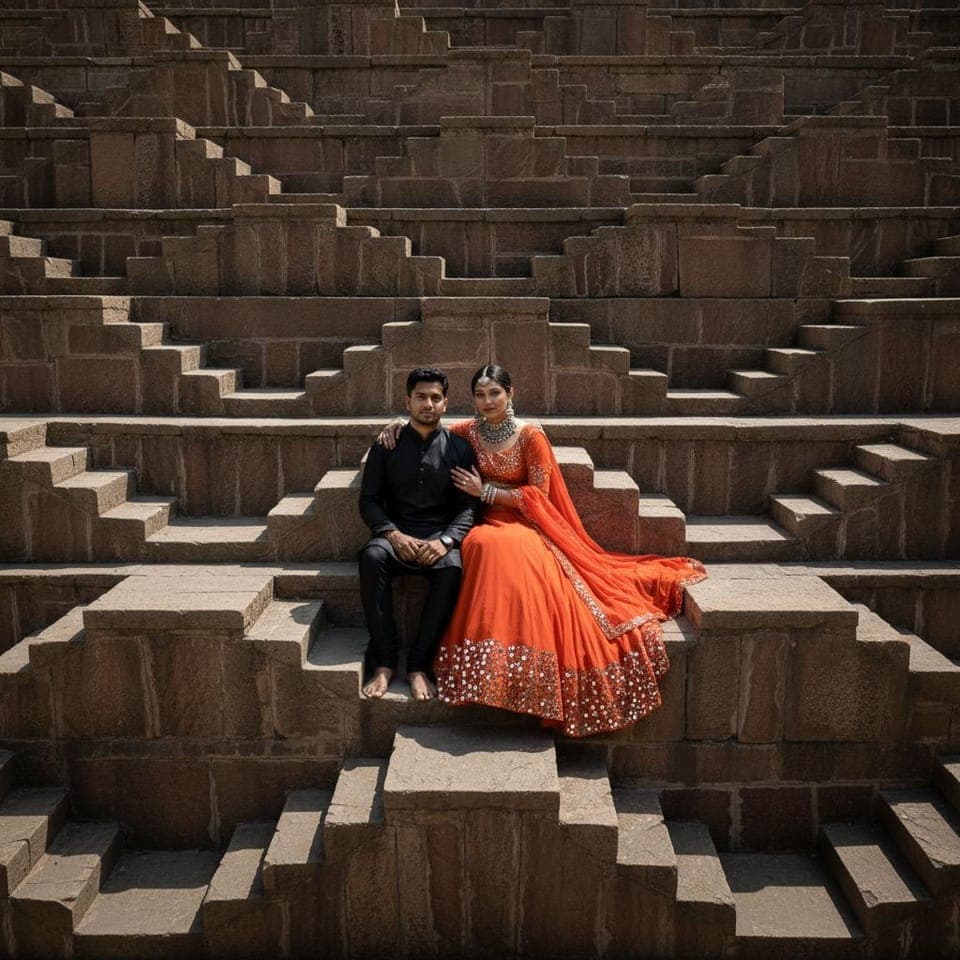
  • A couple's pre-wedding portrait: an old stepwell
    An old stepwell
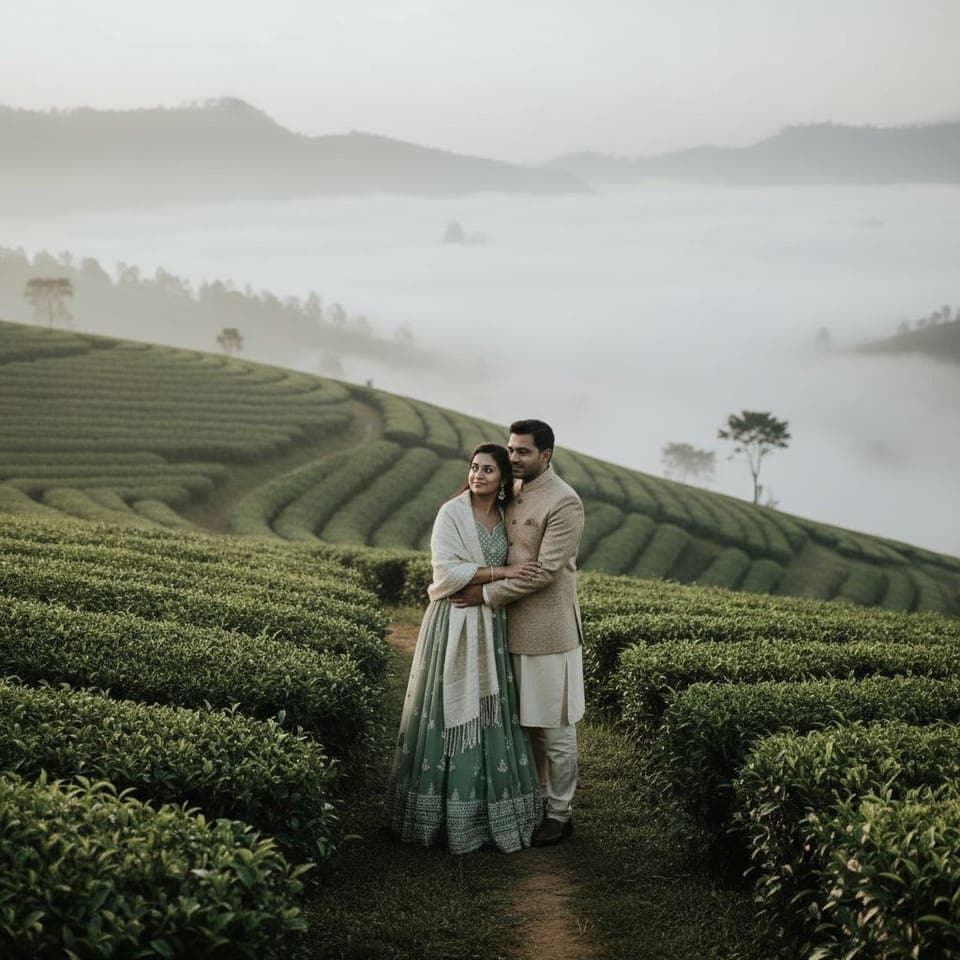
  • A couple's pre-wedding portrait: tea gardens in the mist
    Tea gardens in the mist
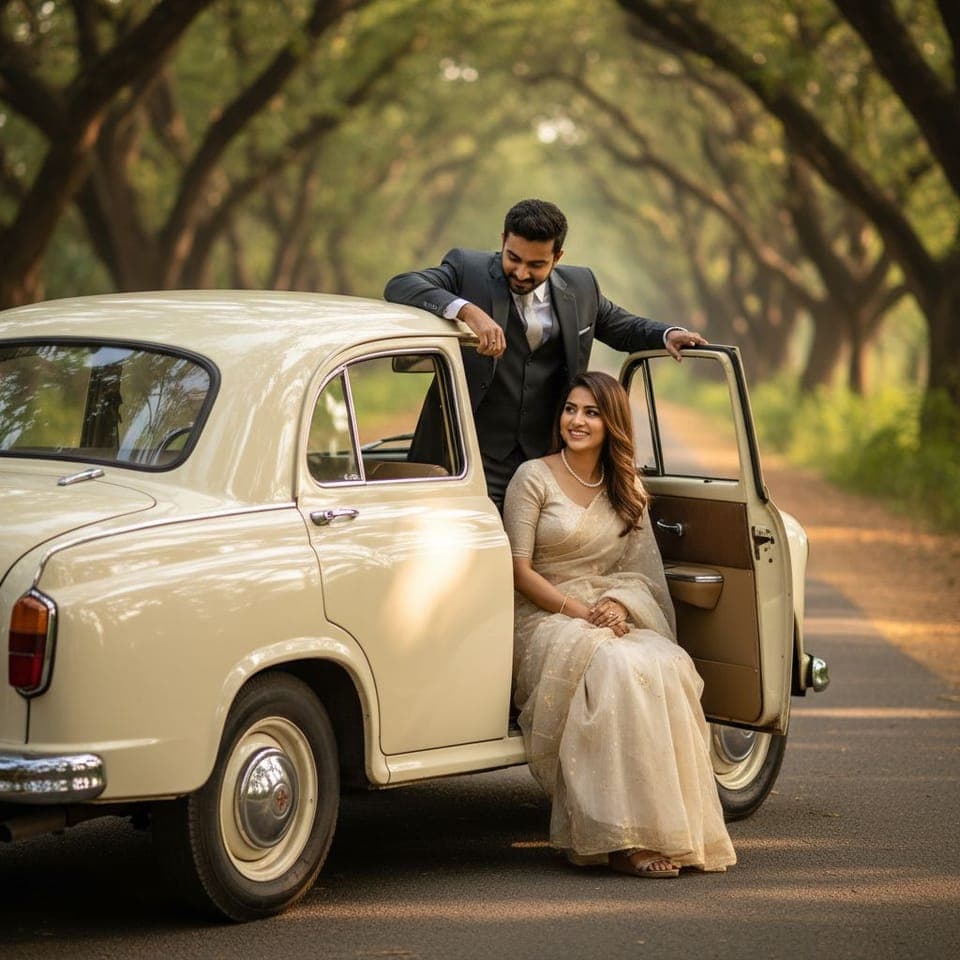
  • A couple's pre-wedding portrait: a vintage car, a tree-lined road
    A vintage car, a tree-lined road
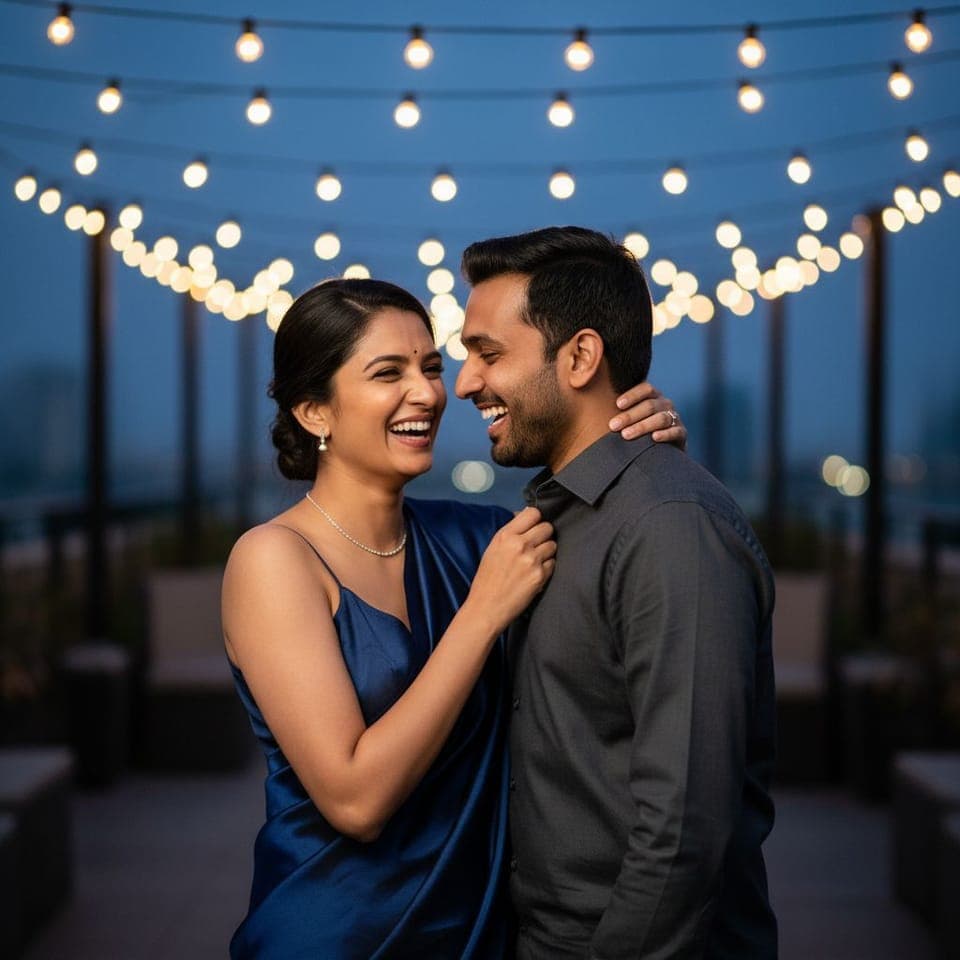
  • A couple's pre-wedding portrait: a terrace under string lights
    A terrace under string lights
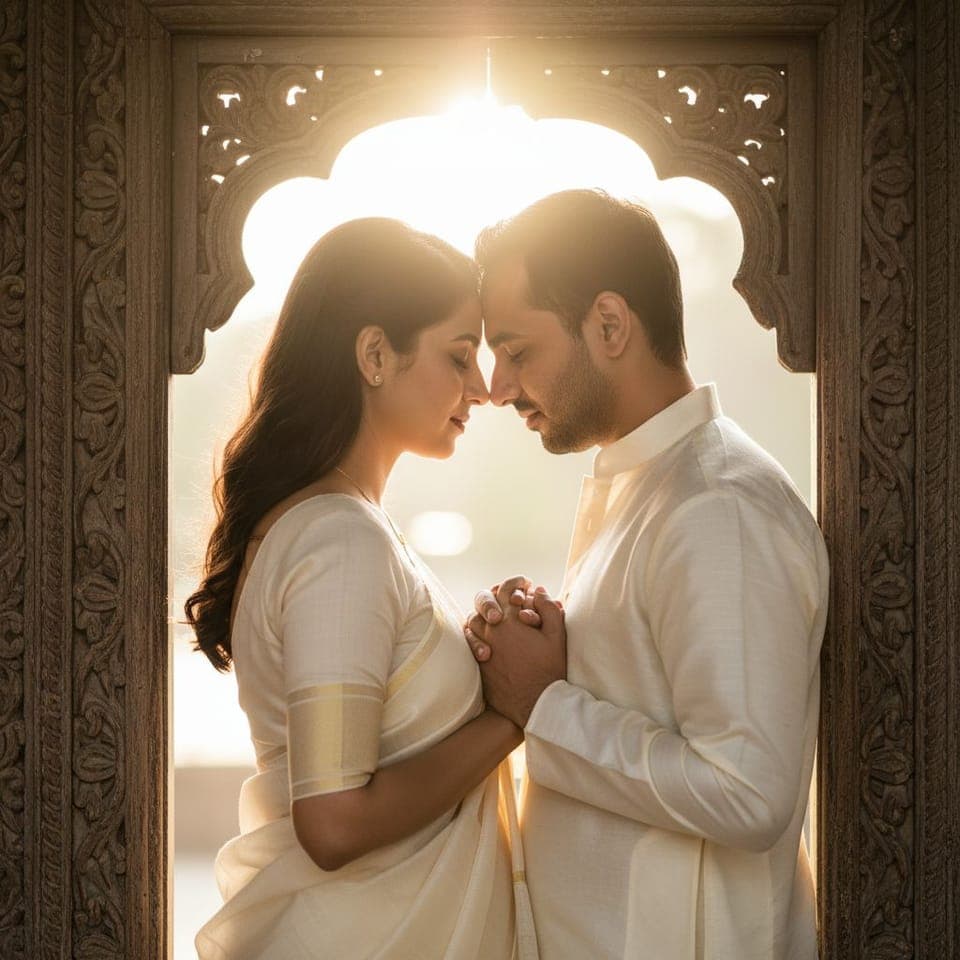
  • A couple's pre-wedding portrait: a carved doorway, backlit
    A carved doorway, backlit

Further away

The destination shoot, without the flights.
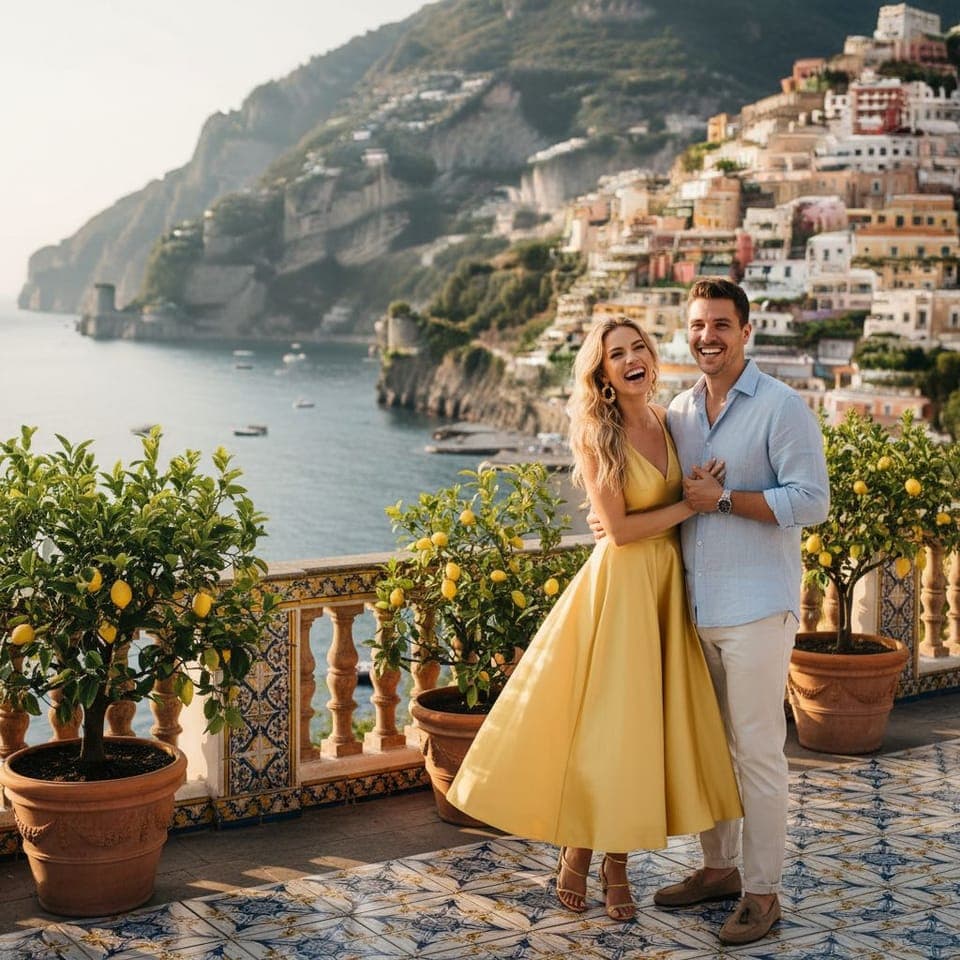
  • A couple's pre-wedding portrait: a cliffside terrace, amalfi coast
    A cliffside terrace, Amalfi coast
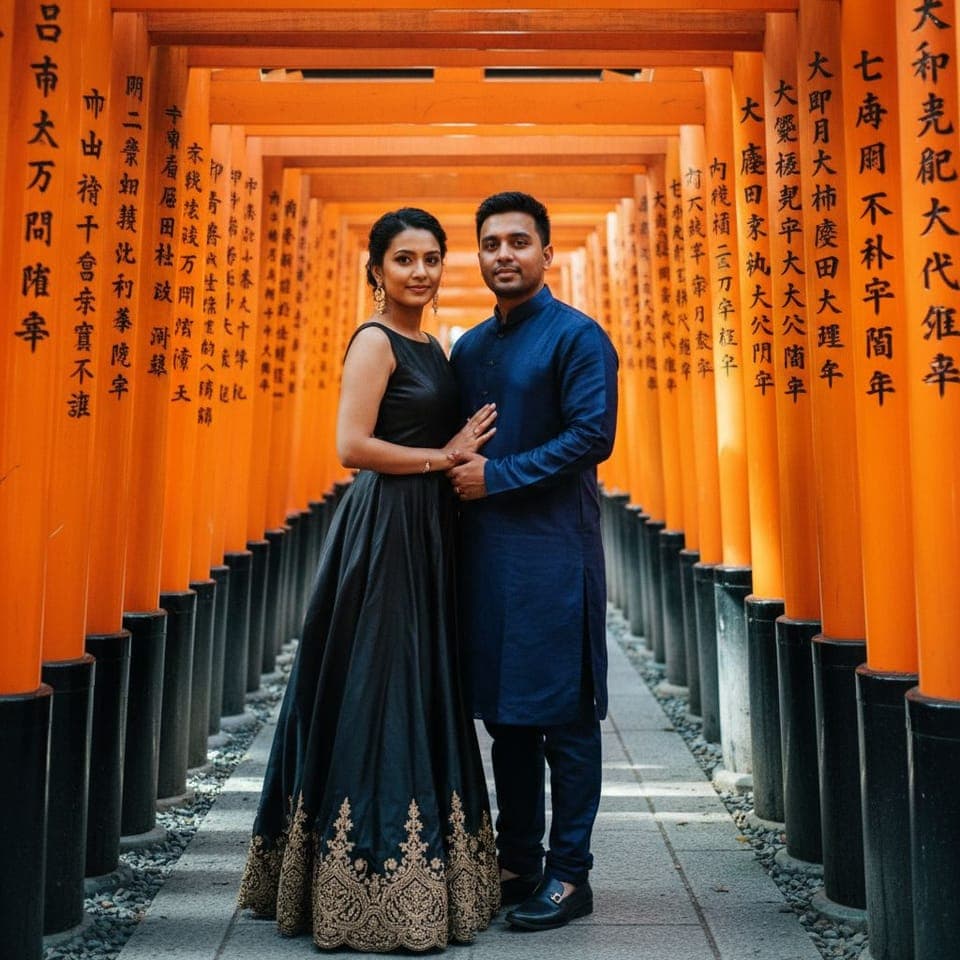
  • A couple's pre-wedding portrait: torii gates, kyoto
    Torii gates, Kyoto
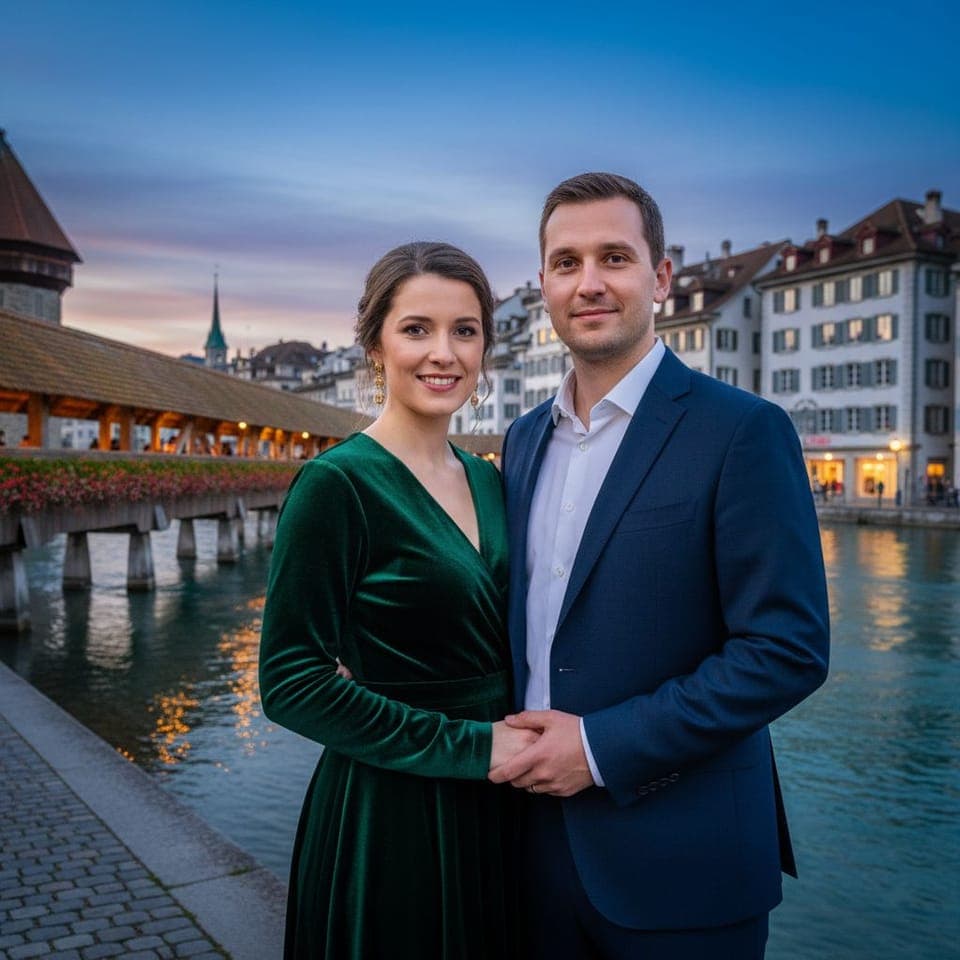
  • A couple's pre-wedding portrait: the lake at lucerne
    The lake at Lucerne
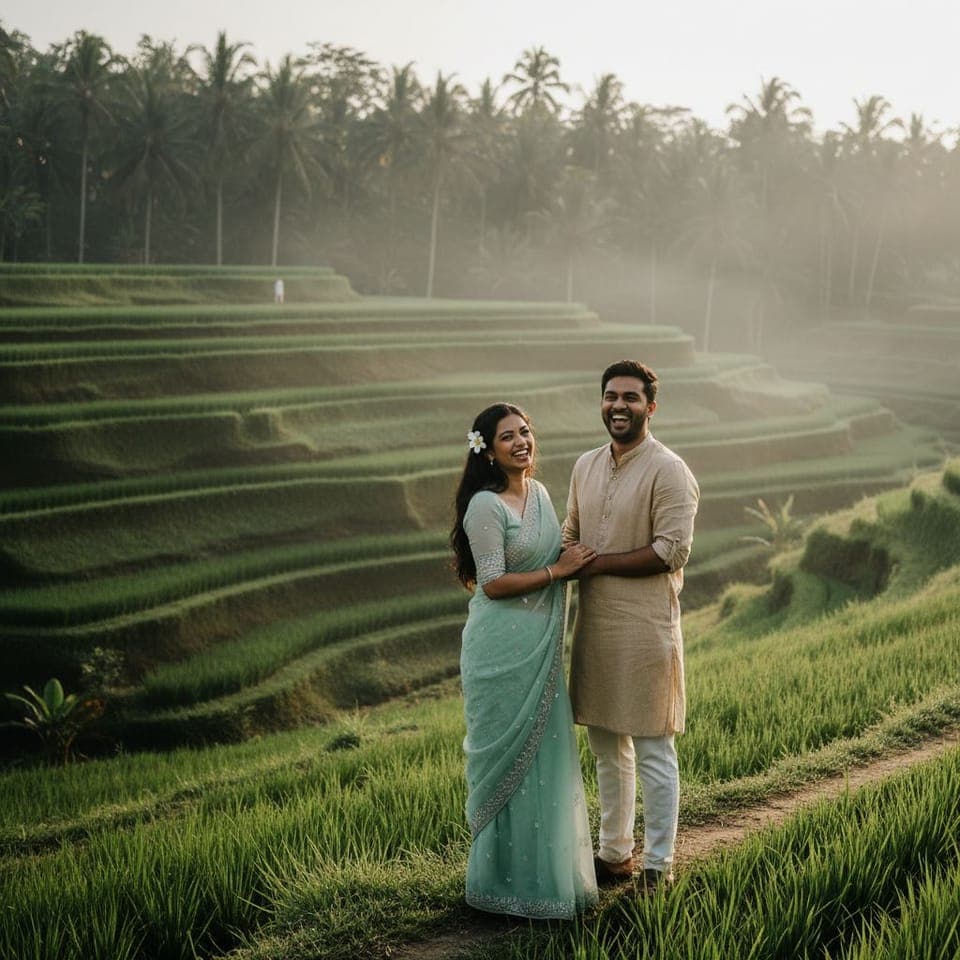
  • A couple's pre-wedding portrait: rice terraces, bali
    Rice terraces, Bali
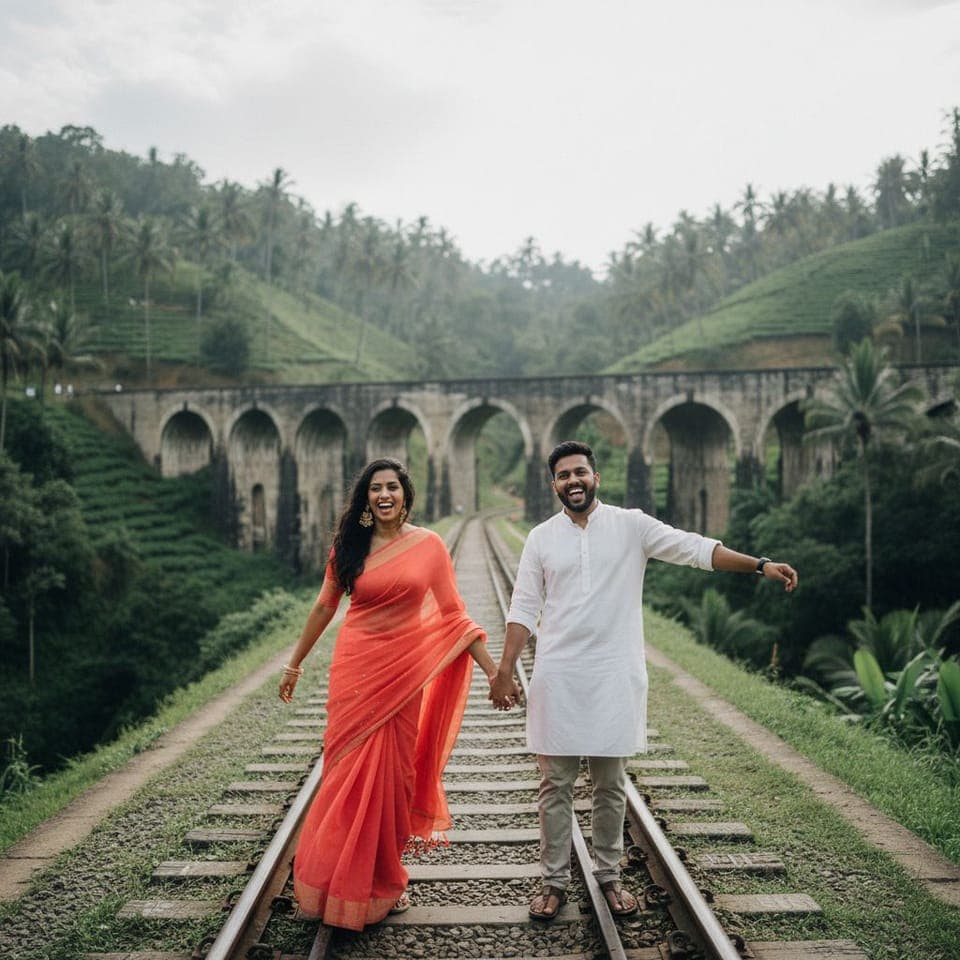
  • A couple's pre-wedding portrait: the nine arch bridge, sri lanka
    The Nine Arch Bridge, Sri Lanka
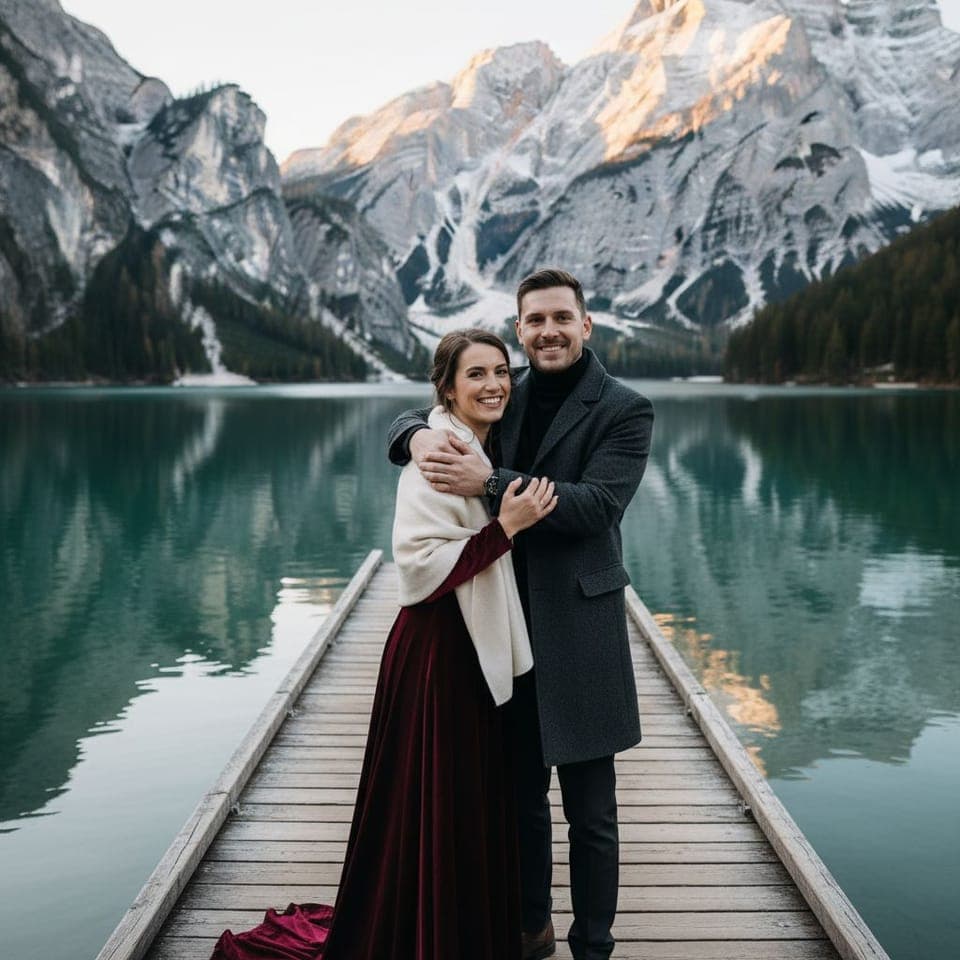
  • A couple's pre-wedding portrait: an alpine lake jetty
    An alpine lake jetty
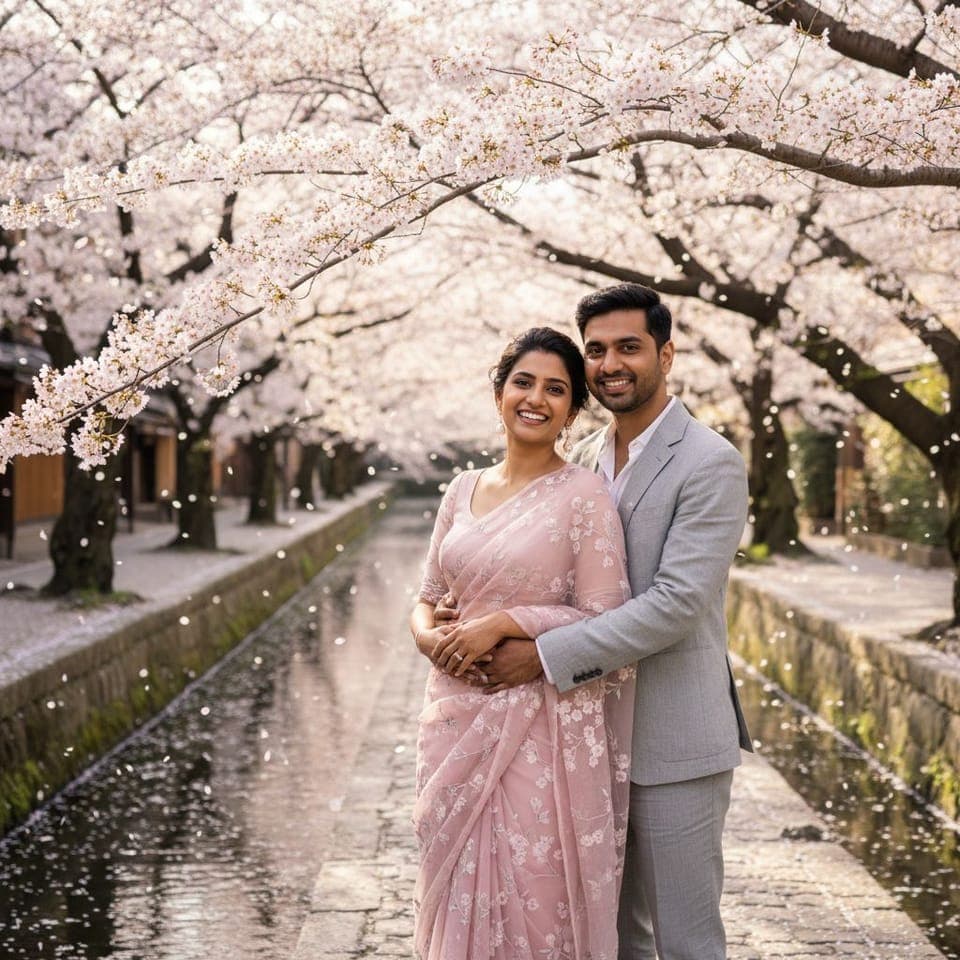
  • A couple's pre-wedding portrait: a canal in cherry blossom
    A canal in cherry blossom

Three steps, a few minutes

No photographer, no travel, no booking a day off.

  1. Add your photos

    One clear, front-facing photo of each of you. Doing a solo shoot? One is enough.

  2. Choose your scenes

    Palaces, beaches, deserts, mountains and destinations abroad. Pick as many as you like — every shoot shows its price first.

  3. Get your photographs

    Each one lands in your gallery, ready to save or share. If a photo fails, its credits come back automatically.

More than one kind of photograph

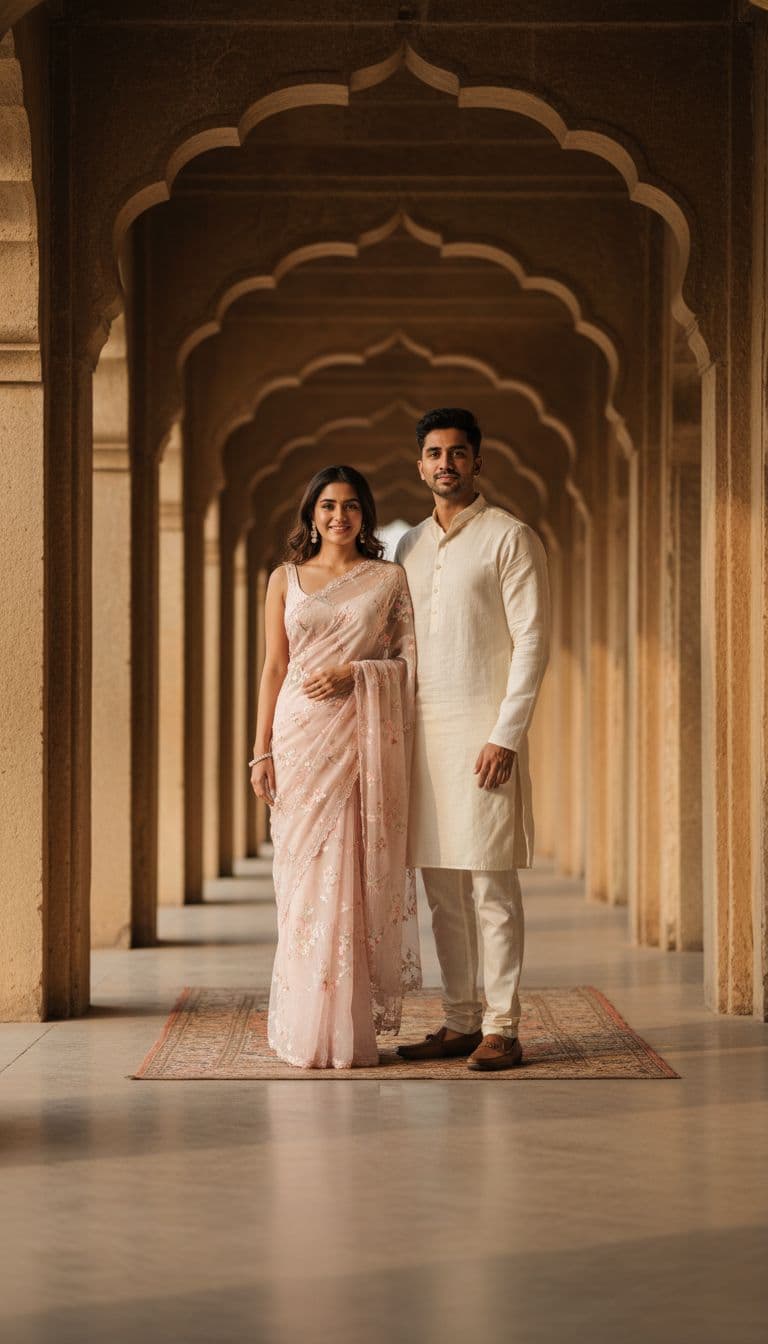
A couple under a row of carved sandstone arches

Themes & backgrounds

The two of you, or just you, placed in a styled scene with matching wardrobe and light.
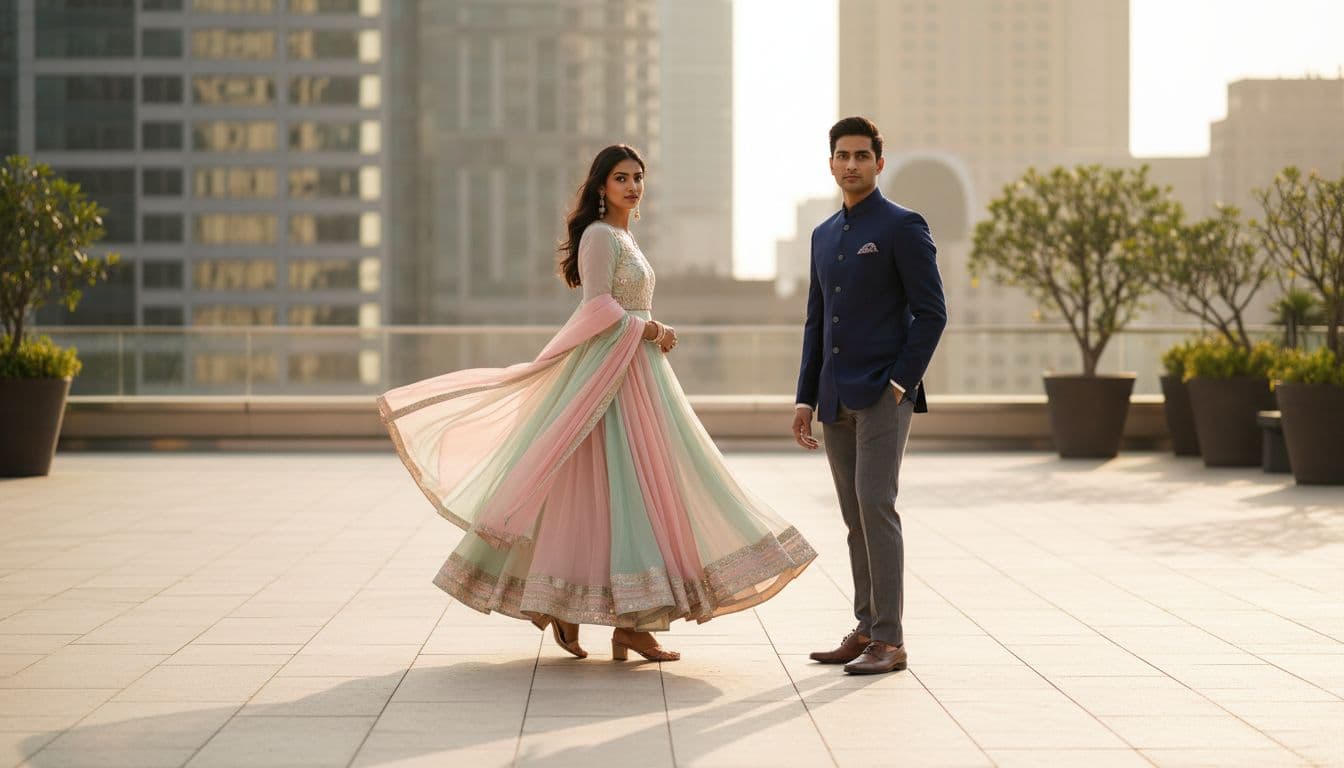
A couple on a rooftop terrace, she in a pastel lehenga

Outfit swap

See a saree, lehenga or sherwani on your own photo before the tailor does.
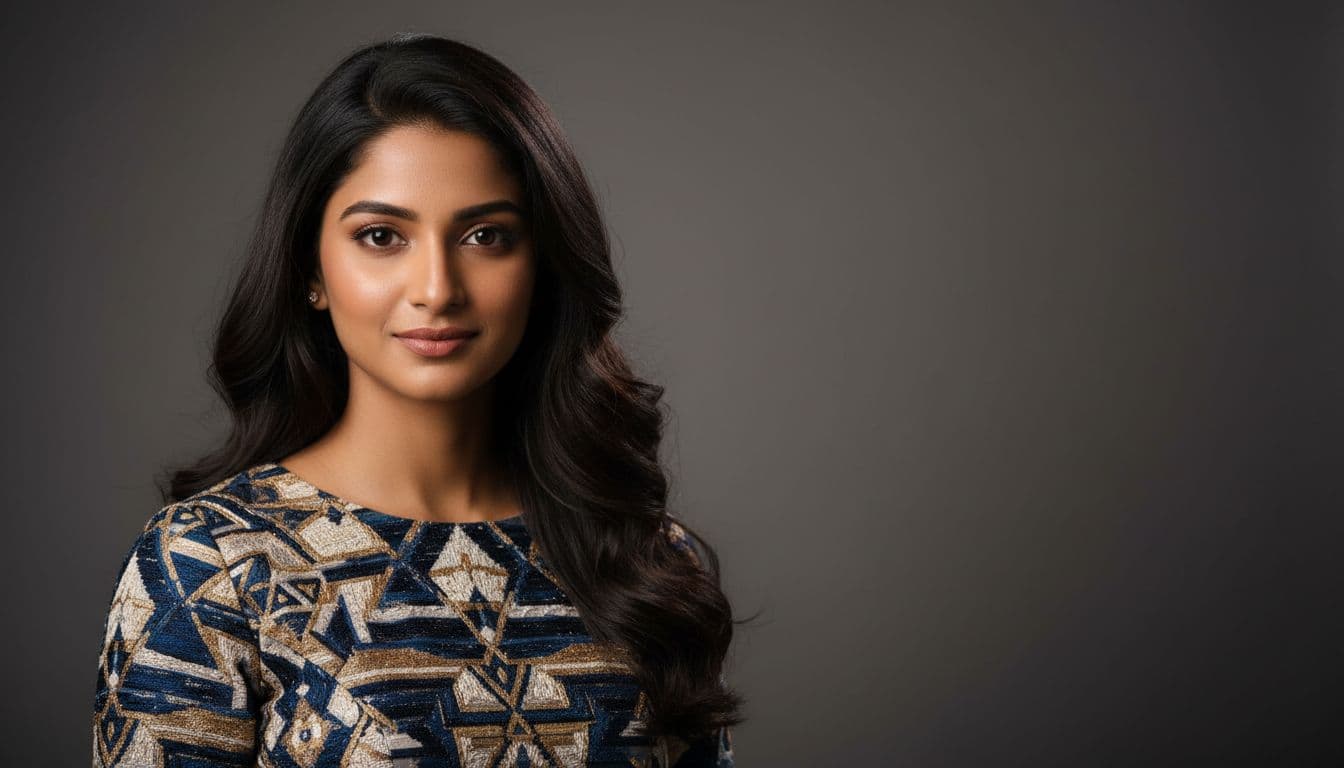
A studio portrait of a woman against a grey backdrop

AI portraits

Studio-style portraits of one person, in the style you choose.
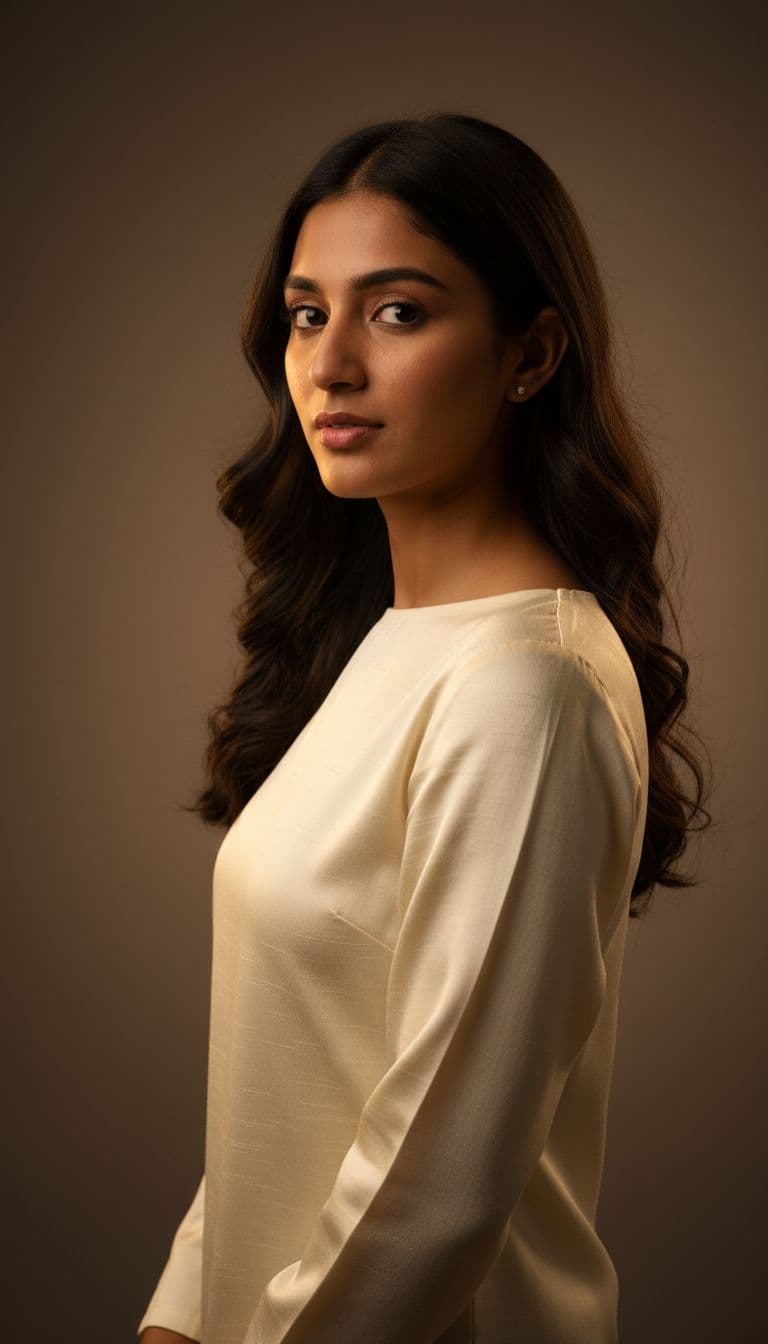
A portrait of a woman in soft studio light

Train the app on your face

Upload 5 to 15 photos of yourself and the app trains a personal model of your face. It takes about fifteen minutes.
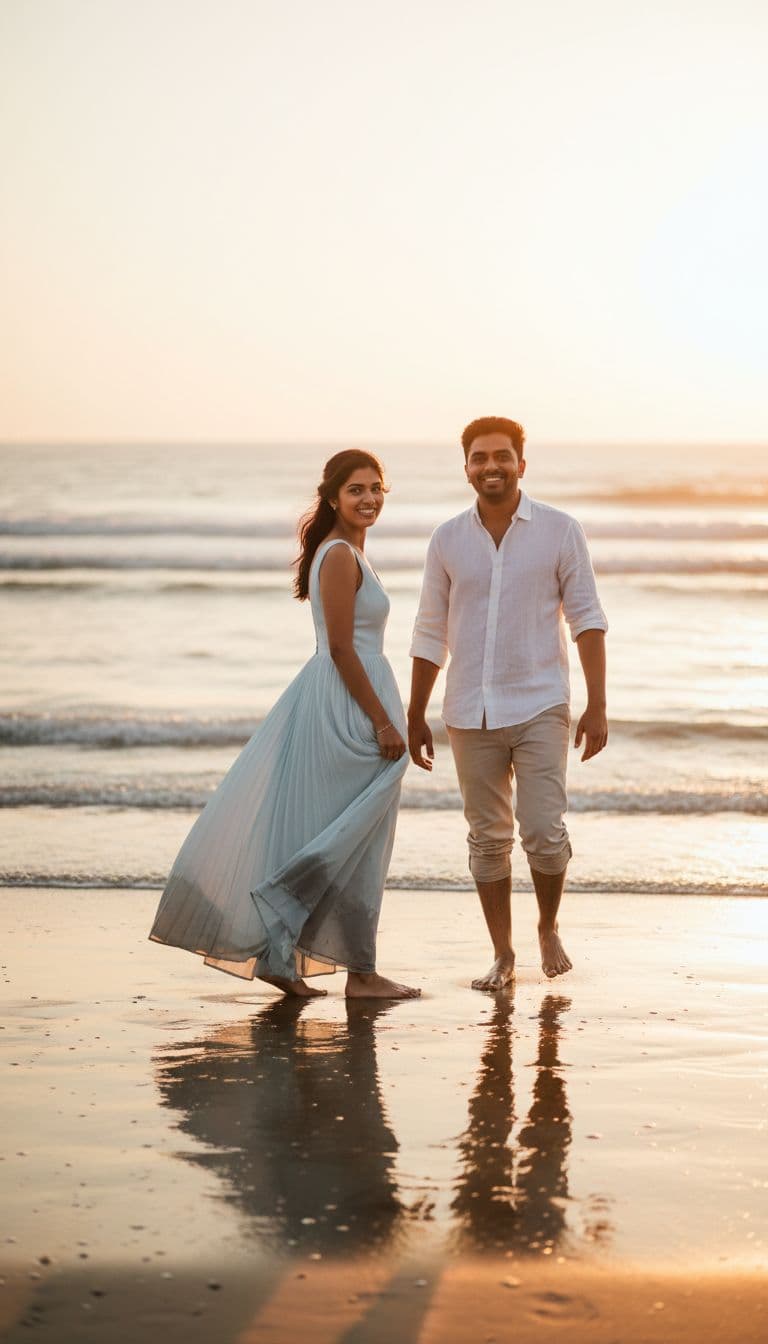
  • Trained shoots use it for the closest likeness the app can make.
  • Only your account can use it.
  • Retrain it with new photos, or delete it, whenever you like.
A countdown card: a couple on a beach at sunset with the words 14 days to go

Countdown posts, made from your photos

Set your wedding date and pick a design. The app makes a days-to-go card for every day of your countdown, plus a save-the-date.

  • Made on your phone, and they cost nothing.
  • Sized for Instagram, WhatsApp and Facebook.
  • Move the words, change the photo, restyle any card.

Your photos stay yours

Faces are personal. This is what we do with them.

Deleted after seven days
Photos you upload are deleted seven days after the shoot that used them.
Never sold
Your photos are never sold, and never used for advertising.
Never used to train our models
They are used only to make the images you ask for.
Delete anytime
Delete your account from Profile in the app, and your photos go immediately.

Questions

Something else? Write to info@sortedsystems.in.

Which phones does it work on?

Android. Use the download button at the top of this page.

What photos work best?

A clear, well-lit photo of one face looking at the camera — no sunglasses, group shots or heavy filters. A photo with no face is refused before anything is charged.

How long does a photo take?

Usually a few minutes. You can close the app while it works; the result waits in your gallery.

How do credits and packs work?

You buy credits or packs inside the app through Google Play. Every shoot shows its price before you start, and a shoot that fails gives its credits back automatically.

What happens to my photos?

They are used only to make the images you ask for, and deleted seven days after the shoot that used them. The privacy policy has the detail.

How do I delete my account?

From Profile in the app, or follow the steps on our account deletion page.
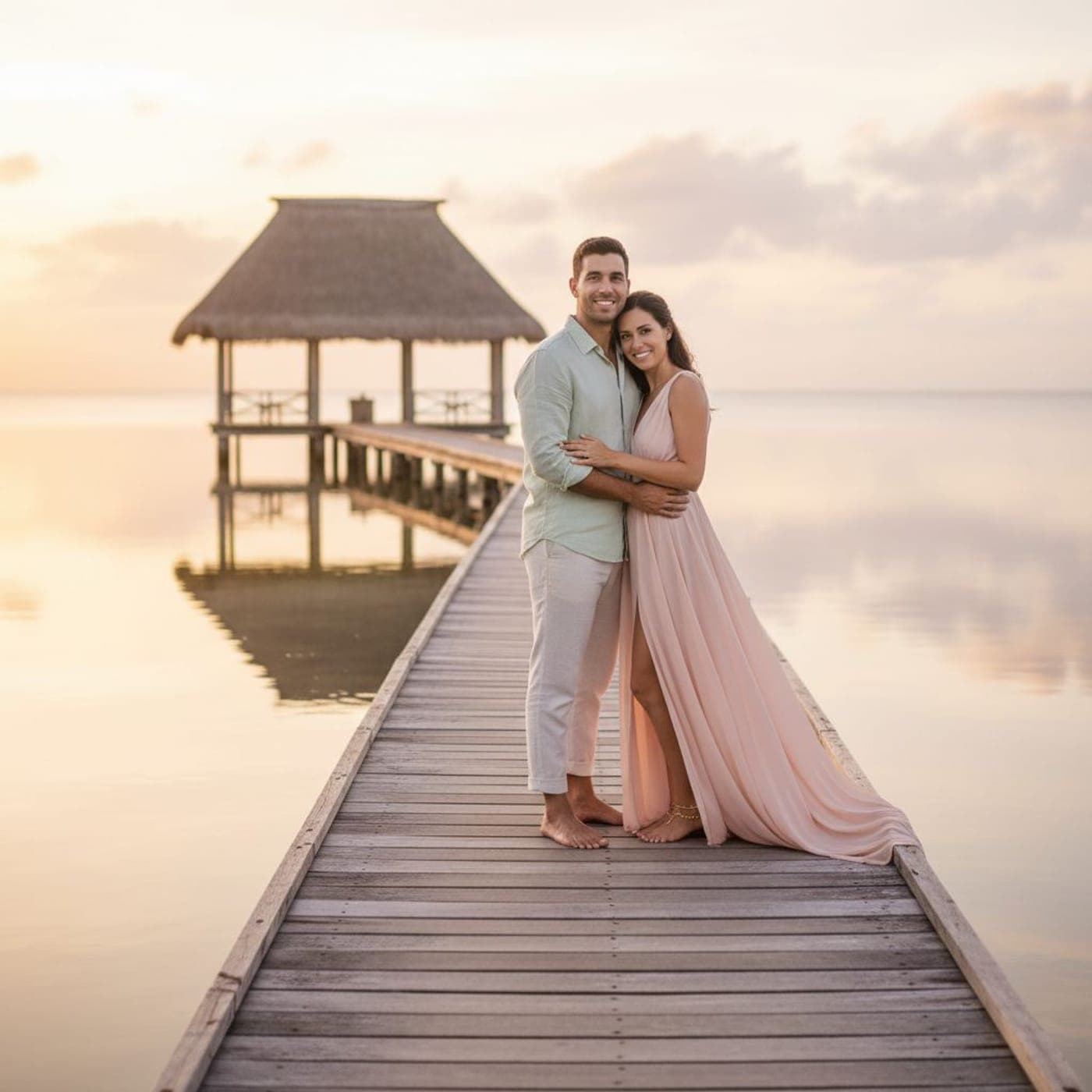
Start with two photos.

The rest of the shoot happens on your phone.

Get it on Google Play